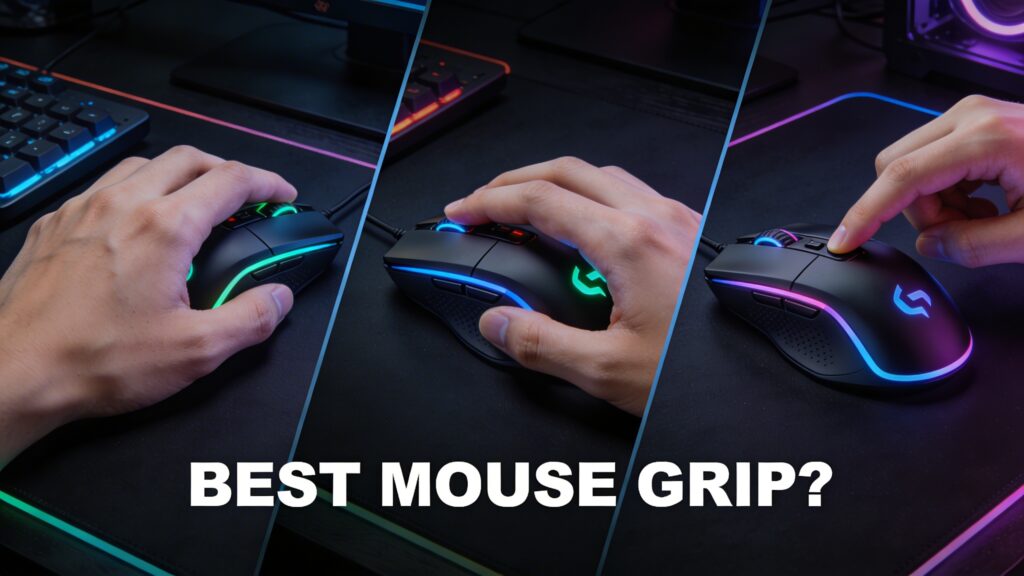

Best Mouse Grip Styles
Best mouse grip styles define control, precision, and comfort by determining how your hand interacts with the mouse. Palm grip offers stability, claw grip balances speed and accuracy, while fingertip grip maximizes agility and fast movement.Mouse grip style affects control and comfort. For a full overview, read our computer mouse guide.
Best Mouse Grip Styles Define Control, Precision, and Comfort
Best mouse grip styles define control, precision, and comfort. The way you hold your mouse directly impacts accuracy, speed, and long-term usability.
Different grips create different performance results. Choosing the right style improves overall control.
What Are Mouse Grip Styles and Why They Matter?
Mouse grip styles define how your hand positions on the mouse and how movement is controlled during use.Grip style relates to how input devices work. Learn more in our mouse input device guide.
Grip Style Determines Cursor Control and Accuracy
Grip style determines cursor control and accuracy. Each style changes how movements translate on screen.
Better grip improves precision. Users gain more control over actions.
Hand Position Influences Performance and Comfort
Hand position influences performance and comfort. Natural positioning reduces strain and improves efficiency.
Comfortable grip supports long sessions. Users avoid fatigue.
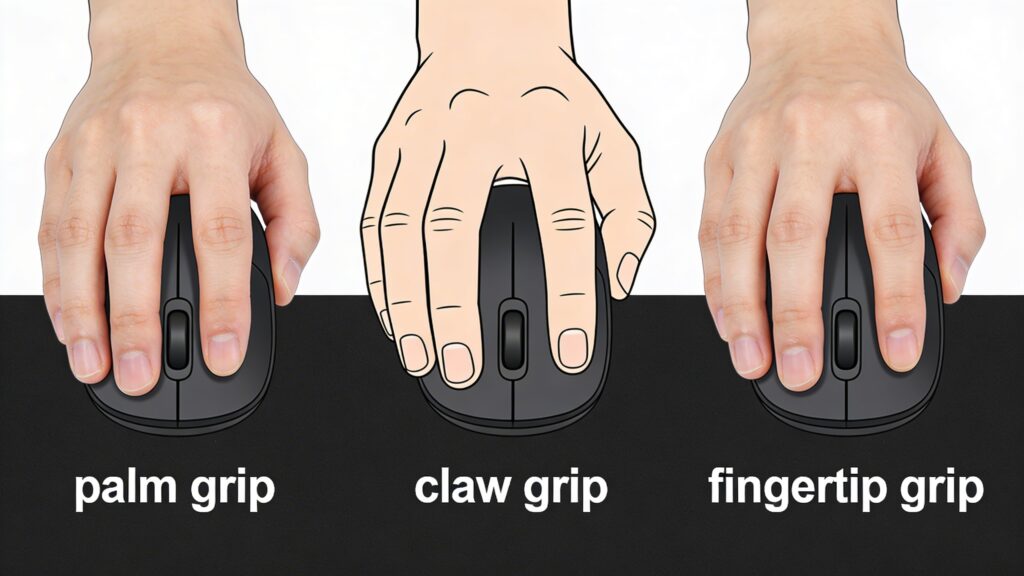
Types of Mouse Grip Styles Explained
Types of mouse grip styles explained show three main categories: palm, claw, and fingertip grip.Different designs support different grips. See types of computer mouse.
Palm Grip Provides Full Hand Contact and Stability
Palm grip provides full hand contact and stability. The entire hand rests on the mouse.
Stable movement improves control. Ideal for relaxed usage.
Claw Grip Creates Balanced Control and Speed
Claw grip creates balanced control and speed. The palm rests lightly while fingers arch.
Balanced positioning improves flexibility. Users gain both speed and accuracy.
Fingertip Grip Maximizes Agility and Fast Movement
Fingertip grip maximizes agility and fast movement. Only fingertips touch the mouse.
Minimal contact increases speed. Users move quickly across the screen.
Palm Grip – Stability and Comfort Focus
Palm grip focuses on stability and comfort for long sessions and controlled movement.
Full Hand Contact Improves Control Consistency
Full hand contact improves control consistency. Larger contact area stabilizes movement.
Consistent control increases accuracy. Movement becomes smoother.
Relaxed Hand Position Reduces Fatigue
Relaxed hand position reduces fatigue. Natural posture minimizes strain.
Comfort improves endurance. Users work longer without discomfort.
Claw Grip – Precision and Speed Balance
Claw grip balances precision and speed through a hybrid hand position.
Arched Hand Position Enhances Click Accuracy
Arched hand position enhances click accuracy. Raised fingers allow faster clicking.
Quick clicks improve responsiveness. Performance increases.
Fingertip Control Improves Reaction Speed
Fingertip control improves reaction speed. Reduced contact allows quicker movement.
Fast response improves gameplay. Users react instantly.
Fingertip Grip – Maximum Speed and Flexibility
Fingertip grip maximizes speed and flexibility for fast-paced control.
Minimal Contact Enables Fast Movement
Minimal contact enables fast movement. Less friction increases speed.
Quick motion improves agility. Cursor moves rapidly.
High Agility Improves Rapid Adjustments
High agility improves rapid adjustments. Small movements create quick changes.
Better control improves performance. Ideal for fast reactions.
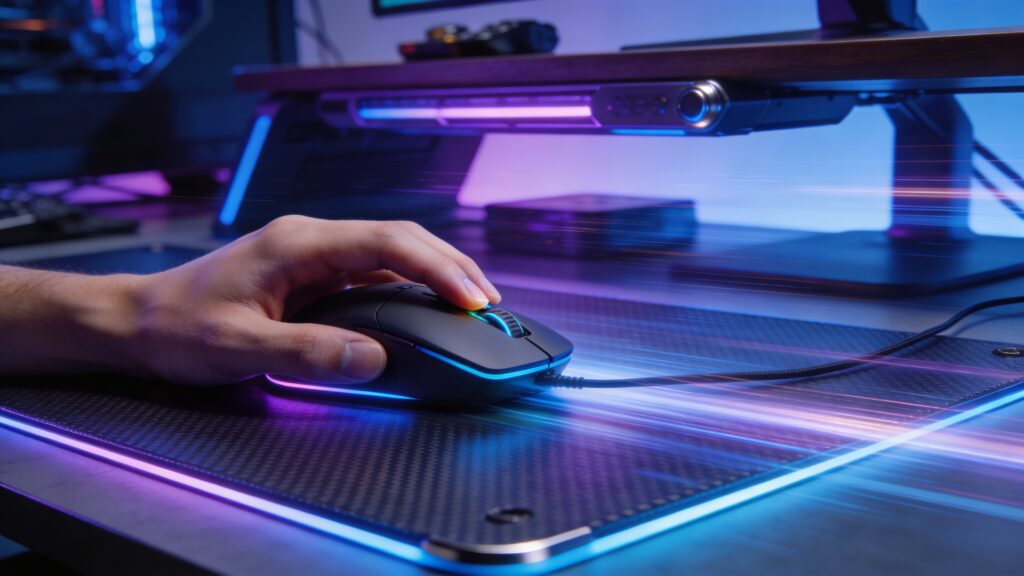
Best Mouse Grip Styles – Key Differences Overview
Best mouse grip styles key differences overview defines how each grip affects stability, speed, and precision. The main differences come from hand contact and movement style.
Contact Area Defines Stability and Control
Contact area defines stability and control. Larger hand contact increases stability, while minimal contact improves flexibility.
More contact improves consistency. Less contact increases agility.
Movement Style Impacts Speed and Precision
Movement style impacts speed and precision. Arm movement supports stability, while finger movement increases speed.
Controlled movement improves accuracy. Faster movement improves reaction time.
Palm vs Claw vs Fingertip – Performance Comparison
Palm vs claw vs fingertip performance comparison highlights how each grip performs in different scenarios.Sensitivity impacts control. Read our mouse DPI guide.
Palm Grip Improves Stability
Palm grip improves stability. Full hand support creates smooth and controlled movement.
Stable control enhances accuracy. Ideal for long sessions.
Claw Grip Balances Speed and Accuracy
Claw grip balances speed and accuracy. Hybrid positioning allows quick reactions and controlled movement.
Balanced performance improves gameplay. Suitable for competitive users.
Fingertip Grip Maximizes Movement Speed
Fingertip grip maximizes movement speed. Minimal contact allows fast cursor movement.
High speed improves agility. Best for fast-paced tasks.
Mouse Grip Styles – Comparison Table
Mouse grip styles comparison table highlights the core differences in control, speed, comfort, and use case.
| Grip Style | Control | Speed | Comfort | Best For |
|---|---|---|---|---|
| Palm Grip | High | Medium | Very High | Casual & long sessions |
| Claw Grip | Medium-High | High | Medium | FPS & competitive games |
| Fingertip | Medium | Very High | Low-Medium | Fast-paced gameplay |
Best Mouse Grip Styles for Gaming
Best mouse grip styles for gaming depend on speed, precision, and reaction time. Different game types benefit from different grip techniques.Precision depends on hardware. Check our gaming mouse guide.
FPS Games Prefer Claw or Fingertip Grip
FPS games prefer claw or fingertip grip. These styles allow faster reactions and precise aiming.
Quick finger movement improves accuracy. Players respond faster in combat situations.
Casual Gaming Supports Palm Grip Comfort
Casual gaming supports palm grip comfort. Full hand support reduces fatigue during long sessions.
Stable control improves consistency. Users enjoy relaxed gameplay.
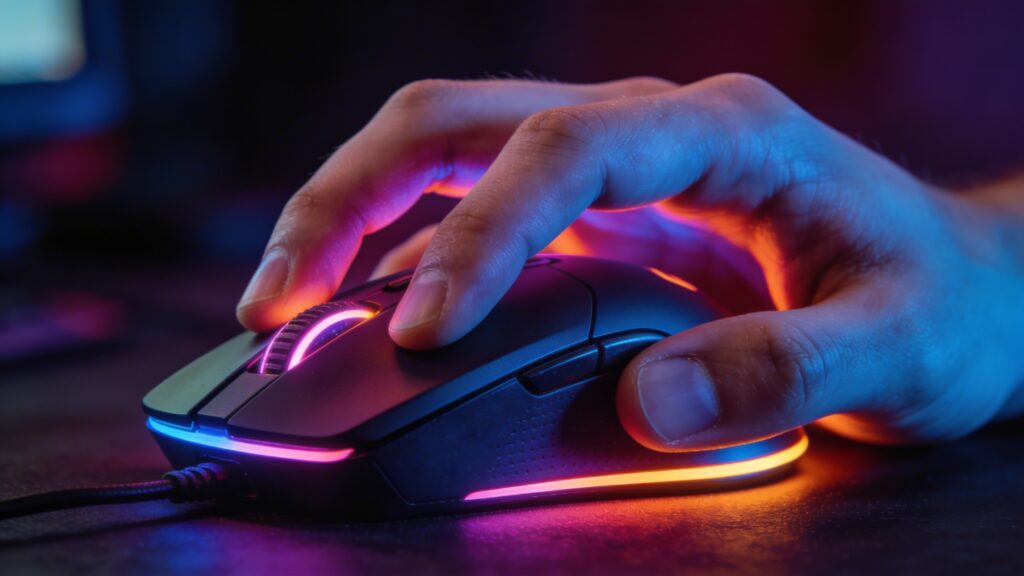
Best Mouse Grip Styles for Productivity
Best mouse grip styles for productivity focus on comfort, efficiency, and long-term usability.
Palm Grip Improves Long-Term Comfort
Palm grip improves long-term comfort. Natural hand positioning reduces strain.
Comfort enhances productivity. Users work longer without fatigue.
Claw Grip Supports Faster Workflow
Claw grip supports faster workflow. Quick finger movement speeds up tasks.
Faster interaction improves efficiency. Ideal for multitasking.
How Hand Size Affects Mouse Grip Style
How hand size affects mouse grip style determines which grip feels natural and effective.
Large Hands Prefer Palm Grip Stability
Large hands prefer palm grip stability. Bigger contact area supports control.
Stable positioning improves accuracy. Movement becomes smoother.
Medium Hands Adapt to Claw Grip
Medium hands adapt to claw grip. Balanced size supports hybrid positioning.
Flexible grip improves versatility. Users gain both speed and control.
Small Hands Use Fingertip Grip for Control
Small hands use fingertip grip for control. Limited reach benefits from minimal contact.
Light movement improves agility. Control becomes easier.
How to Choose the Best Mouse Grip Style
How to choose the best mouse grip style depends on usage, comfort, and mouse design.
Usage Type Defines Ideal Grip
Usage type defines ideal grip. Gaming, work, or casual use requires different control styles.
Correct choice improves performance. Users achieve better results.
Mouse Shape Must Match Grip Style
Mouse shape must match grip style. Ergonomic design supports natural hand positioning.
Proper fit improves comfort. Control becomes more precise.
Common Mistakes When Choosing Grip Style
Common mistakes when choosing grip style reduce performance and cause discomfort.
Incorrect Grip Reduces Accuracy
Incorrect grip reduces accuracy. Poor hand positioning affects control.
Unstable movement lowers precision. Performance decreases.
Ignoring Comfort Causes Fatigue
Ignoring comfort causes fatigue. Unnatural positioning strains the hand.
Discomfort reduces efficiency. Long sessions become difficult.
Mouse Grip Styles and Ergonomics
Mouse grip styles and ergonomics define how design and positioning affect long-term comfort and health.Surface affects comfort. Explore our mouse pad guide.
Ergonomic Design Supports Natural Hand Position
Ergonomic design supports natural hand position. Curved shapes align with hand structure.
Proper alignment improves comfort. Users avoid strain.
Proper Grip Reduces Wrist Strain
Proper grip reduces wrist strain. Balanced positioning minimizes pressure.
Reduced strain improves health. Long-term use becomes safer.
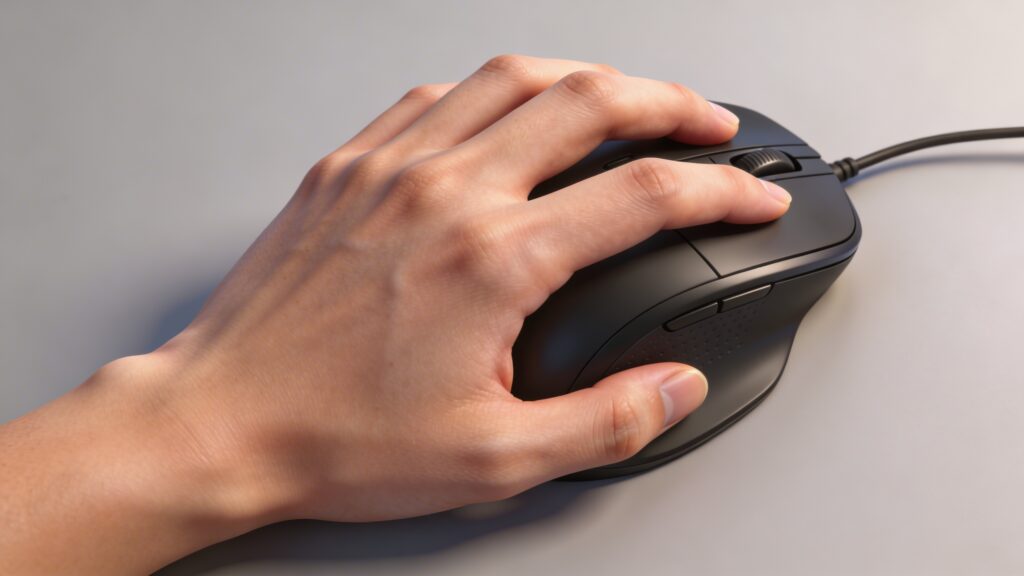
Best Mouse Grip Styles – Which Is Better?
Best mouse grip styles which is better depends on comfort, control, and performance needs. Each grip style offers unique advantages based on how you use your mouse.Setup matters for performance. See wired vs wireless mouse guide.
Claw Grip Delivers Balanced Performance
Claw grip delivers balanced performance. It combines speed and precision through a hybrid hand position.
Balanced control improves accuracy. Ideal for competitive gaming.
Palm Grip Provides Maximum Comfort
Palm grip provides maximum comfort. Full hand support reduces strain during long sessions.
Comfort improves endurance. Best for productivity and casual use.
Fingertip Grip Offers Maximum Speed
Fingertip grip offers maximum speed. Minimal contact allows rapid movement.
High agility improves reaction time. Best for fast-paced gameplay.
Who Should Use Each Mouse Grip Style
Who should use each mouse grip style depends on usage type, comfort preference, and performance needs.
Gamers Prefer Claw or Fingertip Grip
Gamers prefer claw or fingertip grip. These styles improve speed and reaction time.
Fast control enhances gameplay. Competitive players benefit most.
Office Users Prefer Palm Grip
Office users prefer palm grip. Comfortable positioning supports long working hours.
Relaxed grip improves productivity. Users work efficiently.
FAQs About Mouse Grip Styles
What is the best mouse grip style
The best mouse grip style depends on your needs. Claw grip balances performance, palm grip offers comfort, and fingertip grip maximizes speed.
Do pro gamers use claw grip
Yes, many pro gamers use claw grip. It provides fast reactions and precise control.
Is palm grip good for gaming
Palm grip is good for casual gaming. It offers comfort but less speed compared to other grips.
Which grip is best for FPS
Claw or fingertip grip is best for FPS. These styles improve aiming speed and precision.
Does grip style affect aim
Grip style affects aim significantly. Proper grip improves control, accuracy, and reaction time.
Best Mouse Grip Styles Depend on Comfort, Control, and Performance Needs
Best mouse grip styles depend on comfort, control, and performance needs. Palm grip offers stability and comfort, claw grip balances speed and precision, while fingertip grip delivers maximum agility. Choosing the right grip ensures better accuracy, reduced fatigue, and improved overall performance.
see about computer mouse