

Best Wired Mouse for Gaming and Office Work in 2026
Updated for 2026
Wired mice continue to be one of the best choices for gamers, office users, programmers, and professionals who want reliable performance, zero charging concerns, and ultra-low latency.
While wireless technology has improved significantly, many users still prefer wired mice because of their faster response times, stable connections, and consistent performance during long gaming or work sessions.
Modern wired mice in 2026 now offer the following:
- High-precision sensors
- Lightweight ergonomic designs
- Ultra-fast response times
- RGB customization
- Adjustable DPI
- Programmable buttons
After researching expert reviews, comparing real-world performance, and analyzing comfort, click responsiveness, and build quality, we selected the best wired mouse options for gaming, productivity, office work, and everyday use.
In this guide, you’ll learn:
- What makes a good wired mouse
- The best wired mouse for different users
- Wired vs wireless mouse comparisons
- Gaming and productivity recommendations
- Common wired mouse problems and fixes
- How to choose the right wired mouse
Quick Answer
The best wired mouse overall in 2026 is the Logitech G502 X because of its excellent sensor accuracy, customizable buttons, ergonomic comfort, and reliable gaming performance. Users looking for lightweight esports performance may prefer the Razer DeathAdder V3, while office users may benefit from ergonomic productivity-focused wired mice. Read our computer mouse guide.
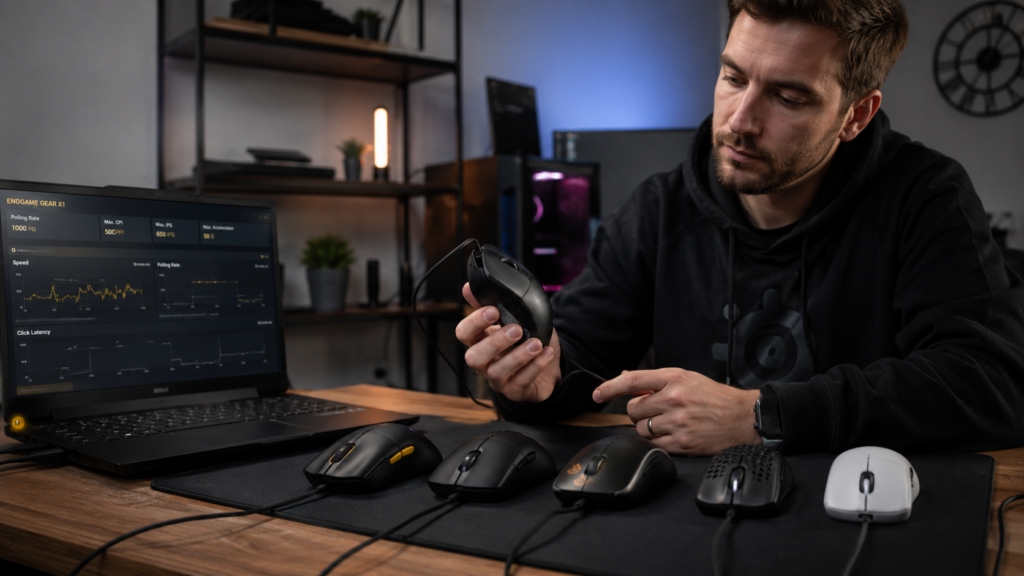
Why You Can Trust Our Recommendations
We researched expert reviews, analyzed customer feedback, and compared tracking accuracy, latency, comfort, durability, and gaming responsiveness across multiple wired mice.
Our goal is to recommend reliable wired mice that deliver the best balance of performance, comfort, and value in 2026.
What Makes a Good Wired Mouse?
A high-quality wired mouse should provide the following:
- Fast response time
- Accurate tracking
- Comfortable ergonomics
- Durable switches
- Reliable cable quality
Different users prioritize different features depending on gaming, office work, editing, or casual use.
Sensor Accuracy
A high-quality sensor improves the following:
- Gaming precision
- Cursor smoothness
- Editing accuracy
- Multi-monitor navigation
Modern wired gaming mice now support extremely high DPI levels with precise tracking.
Comfortable Design
Comfort matters during long sessions.
Ergonomic mice help reduce the following:
- Wrist strain
- Finger fatigue
- Hand discomfort
Users who work or game for several hours benefit from comfortable mouse shapes.
Lightweight Build
Many competitive gamers now prefer lightweight wired mice because they allow
- Faster movement
- Better aim control
- Reduced hand fatigue
Durable Switches
Mouse switches affect the following:
- Click feel
- Responsiveness
- Long-term durability
Premium wired mice often use mechanical switches rated for millions of clicks.
Benefits of Using a Wired Mouse
Wired mice remain popular for several reasons.
Ultra-Low Latency
Wired connections provide:
- Instant response times
- Stable performance
- Consistent gaming responsiveness
Competitive gamers often prefer wired mice for this reason.
No Charging Required
Unlike wireless mice:
- no battery charging
- no battery replacement
- no wireless interruptions
This makes wired mice reliable for long sessions.
Stable Connectivity
Wired mice avoid:
- Bluetooth interference
- wireless signal issues
- pairing problems
Best Wired Mouse Overall
Logitech G502 X
The Logitech G502 X is one of the best wired mice in 2026 for gaming and productivity.
It combines:
- excellent sensor accuracy
- customizable buttons
- ergonomic comfort
- durable build quality
- Extremely accurate sensor
- Comfortable ergonomic design
- Customizable buttons
- Excellent gaming performance
- Reliable wired connection
- Slightly heavier than esports mice
- Premium pricing
Best For
- Gaming
- Productivity
- Programmers
- Power users
Best Budget Wired Mouse
Logitech G203 Lightsync
The Logitech G203 Lightsync offers excellent value at an affordable price.
Why It’s Popular
Budget users appreciate:
- reliable performance
- lightweight design
- accurate sensor
- RGB lighting
Pros
- Affordable pricing
- Lightweight shape
- Good sensor performance
- Comfortable for everyday use
- Basic cable quality
- Limited advanced features
Best For
- Students
- Budget gamers
- Everyday use
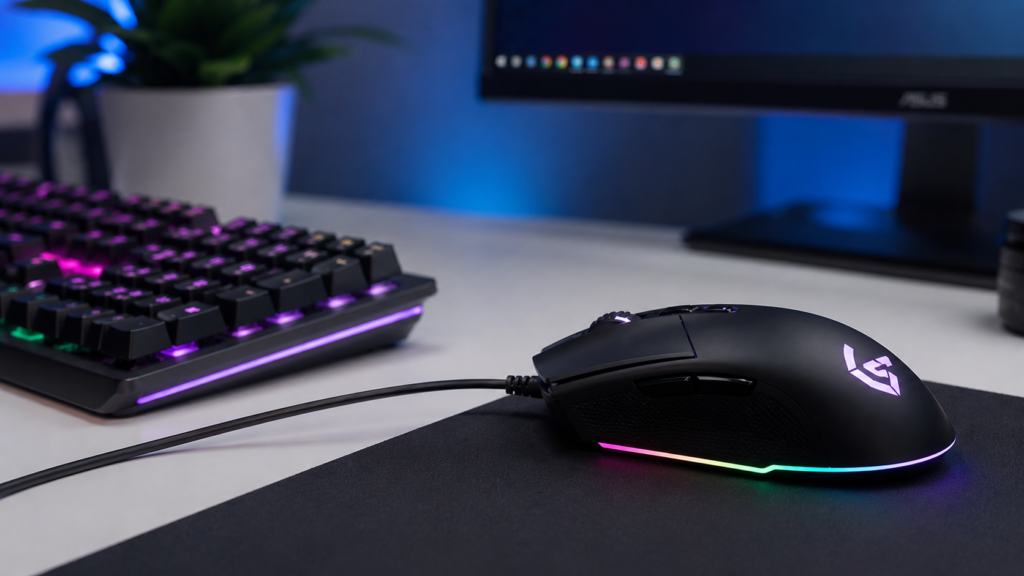
Best Wired Gaming Mouse
Razer DeathAdder V3
The Razer DeathAdder V3 is designed for competitive esports gaming. Learn more in our gaming mouse guide.
Gaming Features
It offers:
- ultra-lightweight body
- high DPI sensor
- low click latency
- ergonomic shape
- Extremely lightweight
- Excellent FPS gaming performance
- Precise tracking
- Comfortable design
- Expensive
- Minimal productivity features
Best For
- Esports gaming
- FPS players
- Competitive gaming
Best Wired Mouse for Office Work
Microsoft Classic IntelliMouse
The Microsoft Classic IntelliMouse remains one of the most comfortable wired office mice available.
Productivity Features
Office users benefit from:
- ergonomic comfort
- reliable tracking
- comfortable side grip
- Comfortable for long work sessions
- Reliable office performance
- Simple professional design
- Limited gaming features
- Larger size
Best For
- Office work
- Productivity
- Business environments
Best Lightweight Wired Mouse
Glorious Model O
The Glorious Model O is one of the lightest wired gaming mice available.
Why Gamers Like It
Its lightweight design improves the following:
- fast flick shots
- aim control
- reaction speed
- Extremely lightweight
- Flexible cable
- Smooth glide performance
- Honeycomb design may collect dust
- Less ergonomic for some users
Best For
- Lightweight gaming setups
- Competitive FPS gaming
Wired vs Wireless Mouse
| Feature | Wired Mouse | Wireless Mouse |
|---|---|---|
| Latency | Extremely Low | Very Low |
| Charging Needed | No | Yes |
| Portability | Limited | Excellent |
| Cable Clutter | More | Minimal |
| Gaming Performance | Excellent | Excellent |
Advantages of Wired Mouse
- Stable connection
- No charging
- Reliable performance
- Lower latency
Advantages of Wireless Mouse
- Cleaner setup
- Better portability
- Less cable clutter
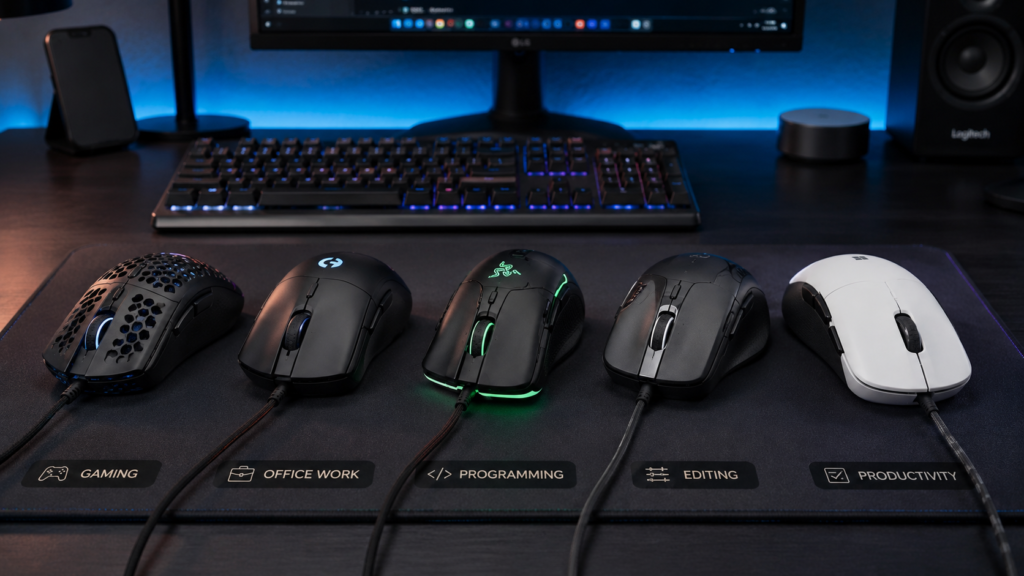
How to Choose the Right Wired Mouse
Gaming
Look for:
- low latency
- lightweight design
- accurate sensor
- programmable buttons
Office Work
Prioritize:
- comfort
- ergonomic shape
- quiet clicks
Programming and Editing
Choose mice with:
- precise tracking
- extra buttons
- comfortable grip
Budget Considerations
Budget Models
Good for:
- casual users
- students
- basic office work
Premium Models
Offer:
- better sensors
- durability
- customization
- premium materials
Common Wired Mouse Problems
Cable Damage
Frequent bending can damage cables over time.
Fix
Use:
- cable management
- mouse bungees
- careful storage
Cursor Lag
Lag may happen because of:
- dirty sensor
- outdated drivers
- USB issues
Double-Click Problems
Older switches may begin registering accidental double-clicks.
Scroll Wheel Issues
Dust buildup can affect scrolling performance.
Tips to Make Your Wired Mouse Last Longer
Clean Your Mouse Regularly
Remove dust from:
- sensor
- buttons
- scroll wheel
Avoid Pulling the Cable
Excessive cable tension can damage internal wiring.
Use a mousepad.
Mouse pads improve:
- sensor accuracy
- glide smoothness
- surface protection
Store Properly
Protect your mouse from:
- dust
- moisture
- accidental impact
Key Takeaways
- Wired mice offer extremely low latency
- Logitech G502 X is the best overall wired mouse
- Razer DeathAdder V3 is excellent for esports gaming
- Wired mice require no charging
- Ergonomic comfort matters during long sessions
Frequently Asked Questions
Are wired mice better for gaming?
Wired mice still offer extremely low latency and stable performance, making them excellent for gaming.
Do wired mice have input lag?
Modern wired mice typically have very low input latency.
What is the best wired gaming mouse?
The Razer DeathAdder V3 and Logitech G502 X are among the best wired gaming mice in 2026.
Are wired mice more reliable than wireless mice?
Wired mice avoid battery and wireless connectivity issues, making them very reliable.
Which wired mouse is the best for office work?
The Microsoft Classic IntelliMouse is one of the best wired mice for office productivity and comfort.
Conclusion
Wired mice remain one of the best choices for users who want reliable performance, low latency, and zero charging concerns.
The Logitech G502 X offers one of the best overall experiences for gaming and productivity, while the Razer DeathAdder V3 is ideal for competitive gamers seeking lightweight performance.
Before choosing a wired mouse, focus on:
- comfort
- sensor quality
- weight
- cable flexibility
- intended usage
The right wired mouse can improve both gaming precision and daily productivity while delivering reliable long-term performance.
see about computer mouse