
Best Mouse Button Tester Tools in 2026
Updated for 2026
If your mouse clicks are not responding properly, double-clicking unexpectedly, or feeling delayed during gaming or work, a mouse button tester can help identify the problem quickly.
Mouse button tester tools allow users to check whether
- Left-click works correctly
- Right-click responds properly
- Middle mouse button functions
- Side buttons register inputs
- Scroll wheel clicks work
- Double-click issues exist
In 2026, online mouse testing tools have become more advanced, helping gamers, office workers, designers, and everyday users diagnose mouse problems instantly without downloading software.
After researching the most reliable tools, testing responsiveness, and analyzing usability, we selected the best mouse button tester tools for gaming, productivity, troubleshooting, and hardware testing.
In this guide, you’ll learn:
- What a mouse button tester is
- How mouse testing tools work
- The best online mouse button tester tools
- Common mouse click problems
- How to fix mouse button issues
- Tips to improve mouse performance
Quick Answer
The best mouse button tester tools in 2026 are online browser-based testers that instantly detect left-click, right-click, middle-click, side buttons, and scroll wheel inputs without requiring downloads. These tools are especially useful for diagnosing double-click issues, gaming latency problems, and unresponsive mouse buttons.
Why You Can Trust Our Recommendations
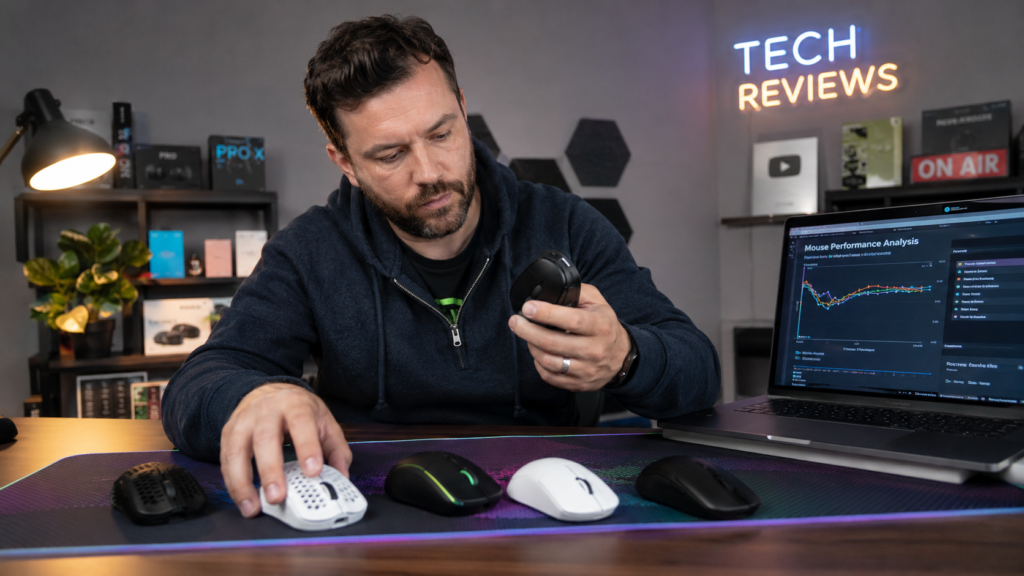
We researched popular mouse testing tools, analyzed user feedback, compared responsiveness, and evaluated ease of use across multiple browser-based mouse testers.
Our goal is to recommend fast, reliable, and beginner-friendly tools that help users quickly diagnose mouse click problems in 2026.
What Is a Mouse Button Tester?
A mouse button tester is a tool that checks whether your mouse buttons are working correctly.
These tools can detect:
- Left-click inputs
- Right-click inputs
- Middle-click presses
- Side button activity
- Scroll wheel clicks
- Double-click problems
Most modern mouse testers work directly inside a web browser without installing software.
Why Use a Mouse Button Tester?
Mouse problems can affect:
- Gaming performance
- Productivity
- Accuracy
- Workflow efficiency
Testing your mouse helps identify hardware or software issues quickly.
Detect Double-Click Problems
Many aging mice develop accidental double-click issues.
A mouse tester can confirm the following:
- single clicks register correctly
- unwanted double-clicks occur
Test Gaming Mouse Performance
Competitive gamers often test the following: Read our mouse DPI guide.
- click responsiveness
- debounce delay
- button consistency
Fast click detection is important for gaming accuracy.
Check side buttons and scroll wheel.
Some productivity and gaming mice include:
- programmable side buttons
- scroll wheel clicks
- macro buttons
Mouse testers verify whether these buttons respond properly.
How Mouse Button Tester Tools Work
Most online mouse testing tools work through browser input detection.
When you press a mouse button, the tool instantly does the following:
- detects the input
- highlights the button
- displays click response
Some advanced tools also track:
- click speed
- double-click frequency
- latency behavior
Best Mouse Button Tester Tools
MouseTester.io
MouseTester.io is one of the most popular browser-based mouse testing tools.
Features
- Real-time click detection
- Double-click testing
- Scroll wheel testing
- Side button support
- Fast and simple
- No installation required
- Works in modern browsers
- Limited advanced analytics
Best For
- Everyday users
- Quick troubleshooting
- Gaming click checks
CPS Test
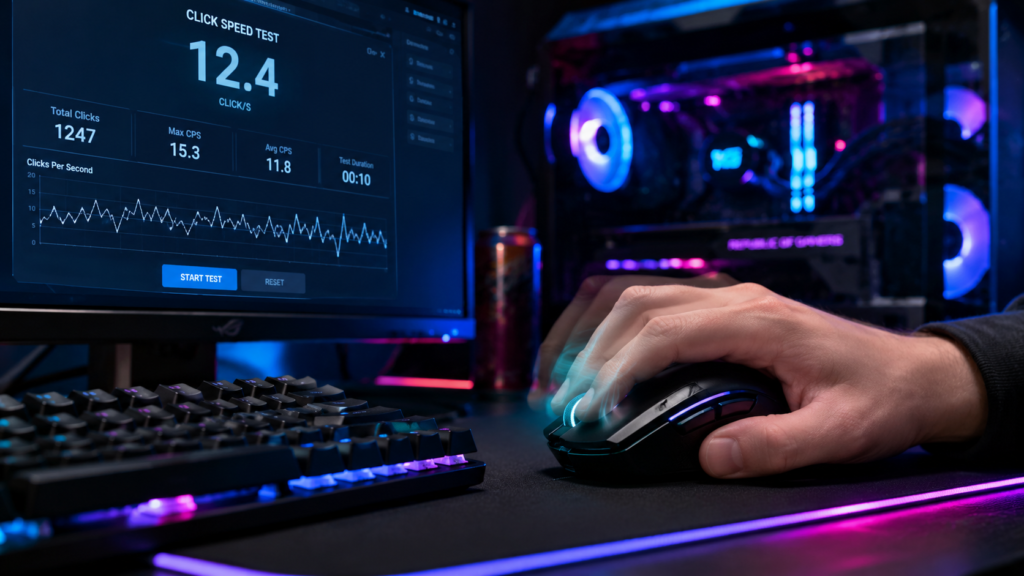
CPS (Clicks Per Second) tools also help test mouse responsiveness.
Features
- Click speed measurement
- Rapid click tracking
- Gaming click practice
Best For
- Competitive gamers
- Click speed testing
- Minecraft players
Online Mouse Test Tools
Many online browser-based tools offer the following:
- left-click testing
- right-click testing
- scroll wheel detection
- side button verification
Most work instantly without downloads.
Mouse Double-Click Test
Double-click problems are among the most common mouse hardware issues.
Symptoms of Double-Click Problems
You may notice:
- files opening unexpectedly
- accidental drag-and-drop issues
- missed clicks
- inconsistent gameplay
How to Test Double-Clicking
Use a mouse button tester and:
- Slowly click the left mouse button
- Monitor click registration
- Watch for duplicate inputs
If multiple clicks register unintentionally, your switch may be wearing out.
Gaming Mouse Click Testing
Gaming mice require: Check our gaming mouse guide.
- low latency
- fast response
- accurate click registration
Competitive players often test click consistency before tournaments or ranked gameplay.
What Gamers Usually Test
- Click latency
- Debounce timing
- Drag clicking
- Rapid clicking
- Side button reliability
Common Mouse Button Problems
Unresponsive Clicks
Sometimes clicks stop registering completely.
Possible Causes
- Dust buildup
- Hardware wear
- Driver problems
Double-Clicking
Older mouse switches may trigger accidental double-clicks.
Scroll Wheel Problems
Common issues include:
- inconsistent scrolling
- middle-click failure
- jump scrolling
Side Buttons Not Working
Gaming mice sometimes lose side button functionality because of the following:
- software conflicts
- profile issues
- hardware failure
How to Fix Mouse Button Issues
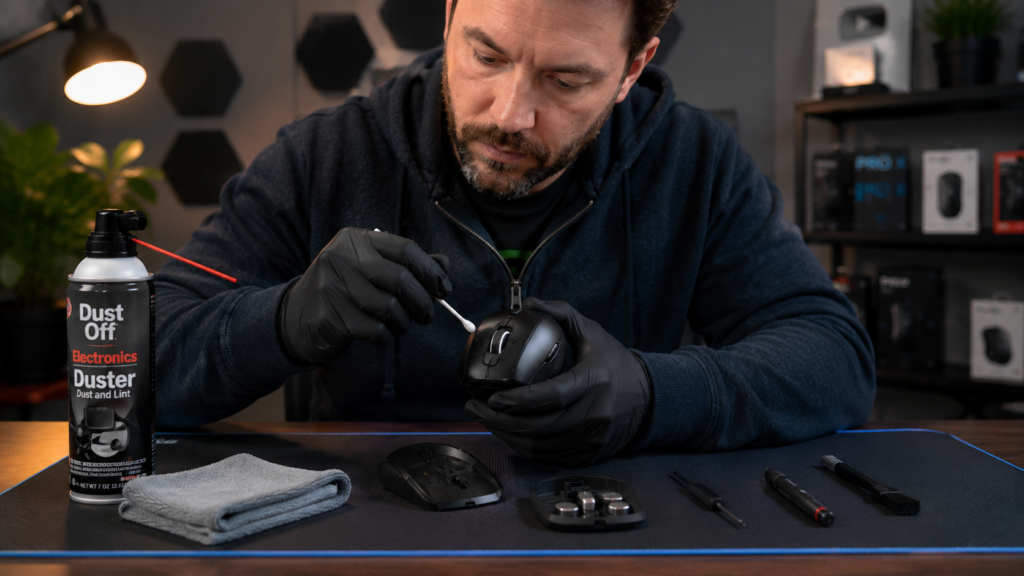
Clean Your Mouse
Dust and debris can affect button responsiveness.
Use:
- compressed air
- microfiber cloth
- soft cleaning brushes
Update drivers.
Driver updates can improve:
- button detection
- latency
- compatibility
Adjust Double-Click Speed
Windows and macOS allow users to modify double-click sensitivity settings.
Replace Worn Mouse Switches
Severe double-click issues may require:
- switch replacement
- professional repair
- new mouse purchase
Tips to Improve Mouse Performance
Use a mousepad.
Good mouse pads improve the following:
- tracking accuracy
- sensor consistency
- cursor smoothness
Keep firmware updated.
Gaming mice often receive firmware updates that improve:
- latency
- wireless stability
- button responsiveness
Avoid Excessive Force
Pressing buttons too aggressively can wear out switches faster.
Store Properly
Protect your mouse from:
- dust
- moisture
- accidental damage
Key Takeaways
- Mouse button testers help identify click problems quickly
- Browser-based tools work without downloads
- Double-click issues are common in older mice
- Gamers use mouse testers for latency and click consistency
- Regular maintenance improves mouse lifespan
Frequently Asked Questions
What is a mouse button tester?
A mouse button tester is a tool that checks whether your mouse buttons respond correctly.
Can a mouse tester detect double-click problems?
Yes. Many mouse testers can identify accidental double-clicking issues.
Are online mouse testers safe?
Most browser-based mouse testers are safe because they do not require software installation.
Why is my mouse double-clicking?
Double-clicking usually happens because of worn mouse switches or hardware aging.
Can gamers use mouse button testers?
Yes. Gamers often test click responsiveness, latency, and debounce timing using these tools.
Conclusion
Mouse button tester tools are extremely useful for diagnosing mouse click problems, gaming responsiveness issues, and hardware failures.
Whether you are troubleshooting double-clicking, checking side buttons, or testing gaming performance, modern browser-based mouse testers make the process fast and easy.
Before replacing your mouse, using a reliable mouse button tester can help identify whether the issue is caused by software settings, hardware wear, or button failure.
see about computer mouse