
Best Vertical Mouse for Comfort and Productivity in 2026
Updated for 2026
Using a traditional mouse for long hours can cause wrist pain, hand fatigue, and discomfort over time. That’s why more users in 2026 are switching to vertical mice for better ergonomics, improved posture, and all-day comfort.
A vertical mouse is designed to keep your hand in a more natural handshake position, reducing strain on the wrist and forearm. Whether you work in an office, edit videos, program, or spend hours browsing the internet, the right vertical mouse can significantly improve comfort and productivity.
Modern vertical mice now offer the following:
- Ergonomic designs
- Wireless connectivity
- Quiet clicks
- Long battery life
- Adjustable DPI
- Multi-device support
After researching expert reviews, comparing user feedback, and analyzing comfort, battery performance, and usability, we selected the best vertical mouse options for work, productivity, and everyday use in 2026.
In this guide, you’ll learn:
- What makes a good vertical mouse
- The best vertical mouse for different needs
- Benefits of ergonomic mouse designs
- Wireless vs wired vertical mice
- How to choose the right vertical mouse for your setup
Quick Answer
The best vertical mouse overall in 2026 is the Logitech MX Vertical because of its ergonomic comfort, premium build quality, accurate tracking, and excellent productivity features. Users looking for budget-friendly comfort may prefer the Anker Ergonomic Vertical Mouse, while professionals who need advanced customization should consider the Logitech Lift.
Why You Can Trust Our Recommendations
We researched expert reviews, analyzed customer feedback, and compared comfort, battery life, tracking accuracy, and long-term usability across multiple vertical mice.
Our goal is to recommend ergonomic mice that provide the best balance of comfort, productivity, reliability, and value in 2026.
What Is a Vertical Mouse?
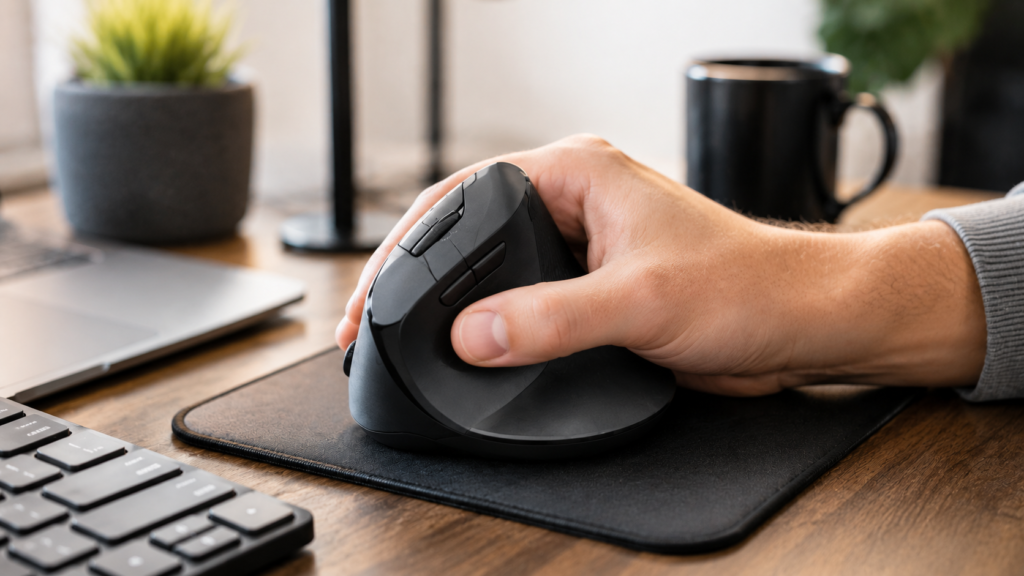
A vertical mouse is an ergonomic computer mouse designed to reduce wrist twisting and hand strain.
Unlike traditional flat mice, vertical mice position your hand at an angle similar to a handshake. This more natural position helps reduce muscle stress during long computer sessions.
Many office workers, programmers, designers, and remote employees now use vertical mice to improve comfort and reduce repetitive strain injuries.
Benefits of Using a Vertical Mouse
Vertical mice offer several ergonomic advantages compared to traditional mice.
Reduced Wrist Strain
Traditional mice force your wrist into a flat position that can increase pressure over time.
Vertical mice help keep your wrist in a more natural posture.
Better Long-Term Comfort
Users who work for many hours often report the following:
- Less wrist fatigue
- Better hand support
- Improved comfort during extended sessions
Improved Ergonomics
Many vertical mice include the following:
- Thumb rests
- Textured grips
- Larger ergonomic shapes
These features improve hand positioning and reduce discomfort.
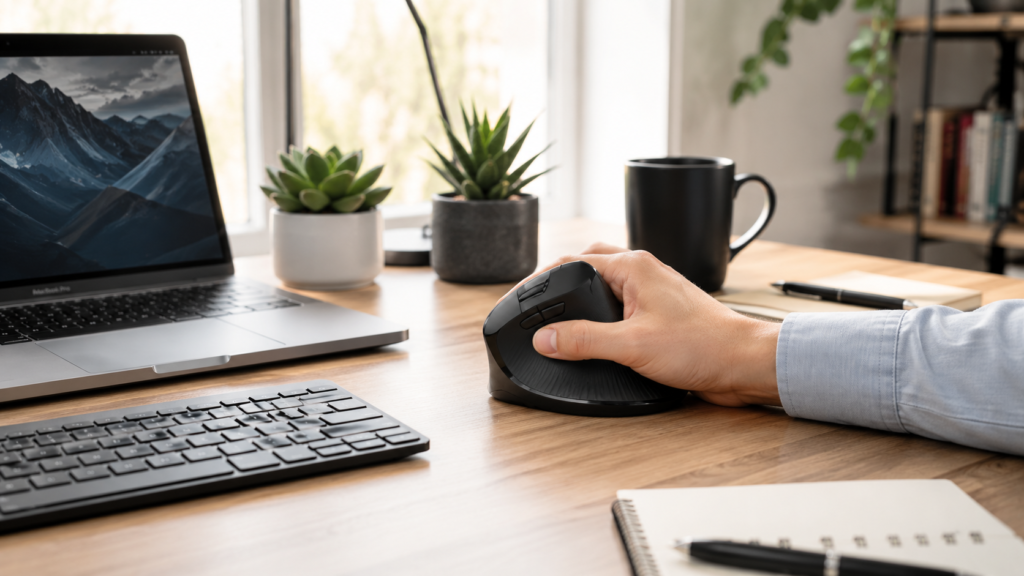
What Makes a Good Vertical Mouse?
Not all ergonomic mice offer the same level of comfort or performance.
Ergonomic Design
A good vertical mouse should:
- Fit naturally in the hand
- Support the wrist
- Reduce finger strain
Comfort is especially important for users who spend 6–10 hours daily on a computer.
Adjustable DPI
DPI settings control cursor sensitivity.
Higher DPI allows:
- Faster cursor movement
- Better multi-monitor navigation
- Improved precision
Many premium vertical mice include adjustable DPI buttons.
Battery Life
Wireless vertical mice should provide long-lasting battery performance.
Modern ergonomic mice now offer the following:
- USB-C charging
- Rechargeable batteries
- Auto sleep mode
Connectivity Options
Popular connectivity options include:
- Bluetooth
- USB wireless receiver
- Wired USB connection
Some models support multi-device switching for productivity users.
Best Vertical Mouse Overall
Logitech MX Vertical
The Logitech MX Vertical remains one of the best ergonomic vertical mice in 2026.
Its premium ergonomic design, accurate sensor, and productivity-focused features make it ideal for professionals.
What Makes It Great?
The MX Vertical combines the following:
- Comfortable handshake grip
- USB-C charging
- Multi-device support
- Precision tracking
The 57-degree vertical angle helps reduce wrist pressure significantly.
- Extremely comfortable
- Premium build quality
- Excellent battery life
- Accurate tracking
- Multi-device support
- Expensive
- Slightly large for smaller hands
Best For
- Office work
- Programming
- Productivity
- Designers
- Long work sessions
Best Budget Vertical Mouse
Anker Ergonomic Vertical Mouse
The Anker Ergonomic Vertical Mouse is one of the best affordable ergonomic mice available.
It provides solid comfort and ergonomic support at a budget-friendly price.
- Affordable pricing
- Comfortable grip
- Easy to use
- Good ergonomic design
- Basic build quality
- Limited customization
Best For
- Budget users
- Students
- Office work
- Everyday productivity
Best Vertical Mouse for Small Hands
Logitech Lift
The Logitech Lift is designed specifically for smaller hands and modern productivity setups.
Why It Stands Out
Compared to larger ergonomic mice, the Logitech Lift feels
- More compact
- Easier to grip
- Better suited for smaller hand sizes
Features
- Quiet clicks
- Bluetooth connectivity
- Ergonomic thumb support
- Multi-device pairing
- Excellent comfort
- Quiet operation
- Compact ergonomic shape
- Premium wireless features
- Premium pricing
- Not designed for gaming
Best For
- Small hands
- Office users
- Remote work
- Productivity setups
Best Premium Vertical Mouse
Evoluent VerticalMouse D
The Evoluent VerticalMouse D is designed for advanced ergonomic comfort and professional use.
Premium Ergonomic Features
This mouse offers:
- Deep ergonomic support
- Adjustable buttons
- Large hand comfort
- Advanced customization
- Excellent ergonomic positioning
- Comfortable for long sessions
- Customizable buttons
- High-quality sensor
- Expensive
- Learning curve for new users
Best For
- Heavy computer users
- Professionals
- Ergonomic-focused setups
Wired vs Wireless Vertical Mouse
| Feature | Wired Vertical Mouse | Wireless Vertical Mouse |
|---|---|---|
| Portability | Limited | Excellent |
| Cable Clutter | More | Minimal |
| Charging Needed | No | Yes |
| Setup Flexibility | Lower | Higher |
| Gaming Performance | Good | Good |
Advantages of Wired Vertical Mouse
- No charging required
- Stable connection
- Lower cost
Advantages of Wireless Vertical Mouse
- Cleaner desk setup
- Better portability
- Easier cable management
How to Choose the Right Vertical Mouse
Choose Based on Your Usage
Office Work
Focus on:
- Comfort
- Quiet clicks
- Battery life
Programming
Look for:
- Ergonomic support
- Precise tracking
- Reliable buttons
Travel
Compact, lightweight vertical mice are easier to carry.
Consider Hand Size
Some vertical mice are the following:
- Better for small hands
- Better for larger hands
Choosing the right size improves comfort significantly.
Check Compatibility
Ensure your mouse supports:
- Windows
- macOS
- Linux
- Chromebook
Common Vertical Mouse Problems
Adjustment Period
New users may need several days to adapt to vertical mouse positioning.
Cursor Accuracy Issues
Improper DPI settings can affect cursor precision.
Fix
Adjust DPI sensitivity based on your screen size and workflow.
Wrist Discomfort
Incorrect hand positioning can still cause discomfort.
Fix
Use proper desk height and wrist posture.
Tips to Improve Ergonomic Comfort
Use a Proper Desk Height
Your wrist should remain relaxed while using the mouse.
Take Regular Breaks
Short breaks help reduce repetitive strain.
Use a Mouse Pad
Mouse pads improve tracking accuracy and comfort.
Maintain Proper Posture
Good posture improves overall ergonomic benefits.
Key Takeaways
- Logitech MX Vertical is the best overall vertical mouse
- Logitech Lift is ideal for smaller hands
- Anker offers excellent budget ergonomic value
- Vertical mice help reduce wrist strain
- Ergonomic comfort matters for long-term productivity
Frequently Asked Questions
Are vertical mice better for your wrist?
Yes. Vertical mice reduce wrist twisting and can improve ergonomic comfort during long computer sessions.
Is a vertical mouse good for gaming?
Most vertical mice are designed for productivity rather than competitive gaming, although casual gaming works well on many models.
How long does it take to get used to a vertical mouse?
Most users adapt within a few days to two weeks.
Which vertical mouse is best for office work?
The Logitech MX Vertical and Logitech Lift are excellent choices for office productivity.
Conclusion
A vertical mouse can significantly improve comfort, posture, and productivity if you spend long hours using a computer.
The Logitech MX Vertical remains one of the best overall ergonomic mice in 2026 thanks to its premium comfort and productivity-focused features. Budget users may prefer the affordable Anker Ergonomic Vertical Mouse, while users with smaller hands should consider the Logitech Lift.
Before buying a vertical mouse, focus on:
- Ergonomic comfort
- Hand size compatibility
- Battery life
- Connectivity
- Workflow needs
Choosing the right vertical mouse can help reduce wrist fatigue while creating a more comfortable and productive workspace.
see about computer mouse