
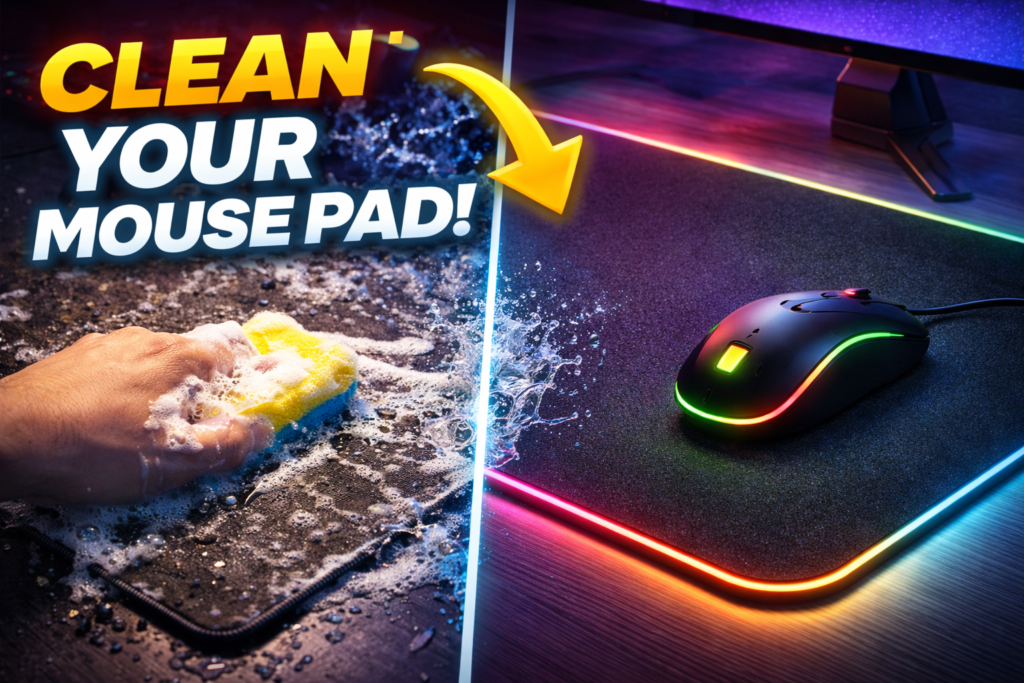

How to Clean Mouse Pad:
To clean a mouse pad, use warm water and mild soap for cloth pads, and a simple wipe for hard pads. Cleaning restores accuracy, improves glide, and extends lifespan.Mouse pad cleanliness affects performance. For a full overview, read our computer mouse guide.
See about mouse pad
How to Clean Mouse Pad Depends on Material Type, Dirt Level, and Cleaning Method?
How to clean mouse pad depends on material type, dirt level, and cleaning method. Different materials require different care.
Correct method prevents damage. Proper cleaning improves performance.
What Happens When a Mouse Pad Gets Dirty?
A dirty mouse pad reduces accuracy, comfort, and overall performance.
Dust and Oils Build Up on Surface Over Time
Dust and oils build up on surface over time. Sweat and dirt collect with regular use.
Surface becomes uneven. Tracking quality decreases.
Dirt Accumulation Reduces Tracking Accuracy
Dirt accumulation reduces tracking accuracy. Sensors struggle to read movement properly.
Reduced accuracy affects performance. Movement feels inconsistent.
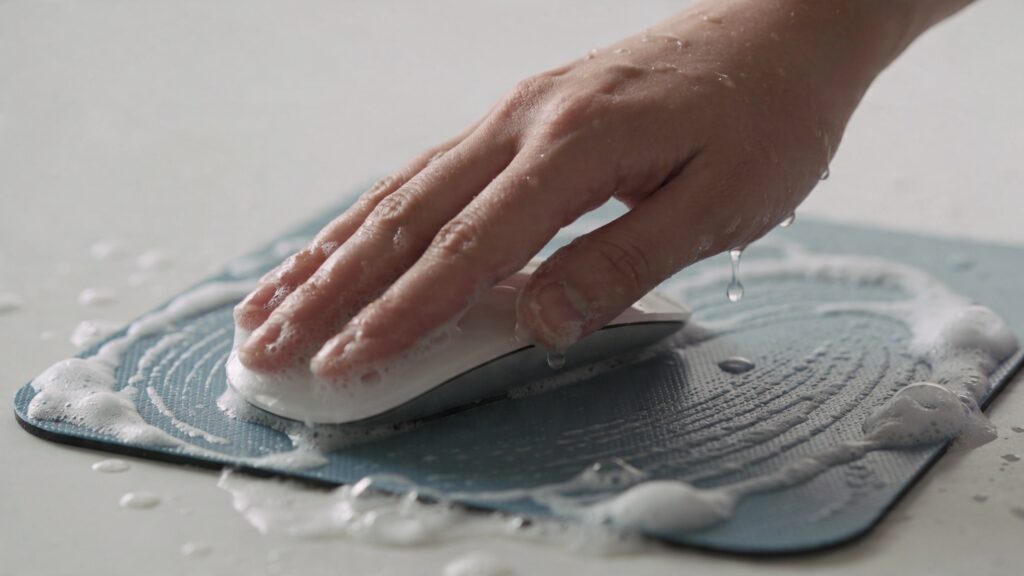
Why Cleaning Your Mouse Pad Improves Performance?
Cleaning your mouse pad improves performance by restoring smooth tracking and control.Mouse pads support tracking accuracy. Learn more in our mouse input device guide.
Clean Surface Restores Sensor Precision
Clean surface restores sensor precision. Sensors track movement more accurately.
Better precision improves control. Performance becomes consistent.
Reduced Friction Improves Movement Control
Reduced friction improves movement control. Smooth surface allows better glide.
Better glide enhances speed. Movement feels natural.
Types of Mouse Pads and Cleaning Differences
Types of mouse pads and cleaning differences determine the correct cleaning method.Different surfaces require different cleaning. See cloth vs hard mouse pad.
Cloth Mouse Pad Requires Deep Cleaning
Cloth mouse pad requires deep cleaning. Dirt gets embedded in the fabric.
Deep cleaning restores texture. Improves accuracy.
Hard Mouse Pad Needs Surface Wipe Cleaning
Hard mouse pad needs surface wipe cleaning. Dirt stays on top of the surface.
Quick cleaning is enough. Easy maintenance.
RGB Mouse Pad Requires Careful Handling
RGB mouse pad requires careful handling. Electronics must be protected.
Improper cleaning can cause damage. Extra caution is needed.
How to Clean a Cloth Mouse Pad (Step-by-Step)
Cleaning a cloth mouse pad requires gentle but thorough washing.
Warm Water Loosens Dirt Particles
Warm water loosens dirt particles. It softens debris stuck in the fabric.
Loosened dirt is easier to remove. Improves cleaning effectiveness.
Mild Soap Breaks Down Oils and Residue
Mild soap breaks down oils and residue. It removes sweat and grease.
Clean surface restores performance. Avoid harsh chemicals.
Soft Scrubbing Removes Embedded Dirt
Soft scrubbing removes embedded dirt. Use a soft brush or cloth.
Gentle cleaning prevents damage. Maintains texture quality.
Air Drying Prevents Damage
Air drying prevents damage. Avoid direct heat or dryers.
Proper drying maintains shape. Ensures long-term use.
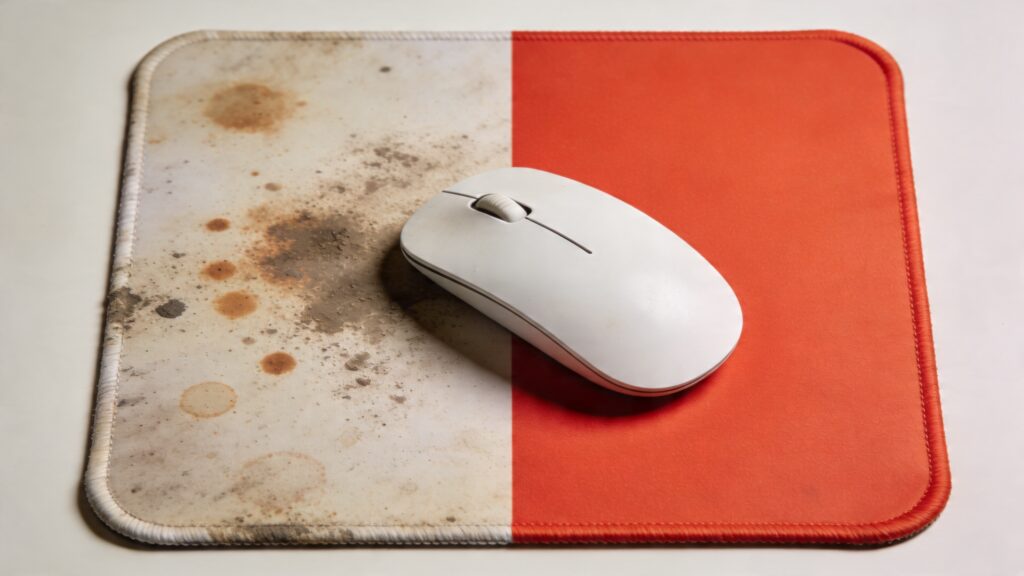
How to Clean a Hard Mouse Pad (Step-by-Step)
Cleaning a hard mouse pad is quick and simple.
Read more about mouse pad
Surface Wiping Removes Dust and Debris
Surface wiping removes dust and debris. Use a damp cloth.
Quick wipe restores cleanliness. Maintains performance.
Mild Cleaner Eliminates Stains
Mild cleaner eliminates stains. Removes stubborn marks.
Clean surface improves glide. Keeps pad looking new.
Dry Cloth Restores Smooth Finish
Dry cloth restores smooth finish. Removes moisture after cleaning.
Dry surface ensures smooth movement. Prevents slipping.
How to Clean an RGB Mouse Pad Safely?
Cleaning an RGB mouse pad requires extra care to protect electronics.
Disconnect Power Before Cleaning
Disconnect power before cleaning. Prevents electrical damage.
Safety is important. Avoid accidents.
Avoid Water Contact with Electronics
Avoid water contact with electronics. Keep cables and lighting areas dry.
Protect components from damage. Ensures long-term functionality.
Cleaning Materials and Tools Explained
Cleaning materials and tools explained help you clean your mouse pad safely without causing damage.
Mild Soap Creates Safe Cleaning Solution
Mild soap creates safe cleaning solution. It removes dirt and oils without harming the surface.
Gentle cleaning preserves material. Ensures long-term durability.
Microfiber Cloth Prevents Surface Damage
Microfiber cloth prevents surface damage. It cleans without scratching or wearing down texture.
Soft material protects surface. Ideal for all mouse pads.
Soft Brush Removes Deep Dirt
Soft brush removes deep dirt. It helps clean embedded particles in cloth pads.
Gentle brushing improves cleaning. Maintains texture quality.
Cleaning Frequency and Maintenance Schedule
Cleaning frequency and maintenance schedule depend on usage level and environment.
Regular Cleaning Maintains Performance
Regular cleaning maintains performance. Removing dirt keeps tracking smooth and accurate.
Clean surface improves usability. Prevents buildup over time.
Heavy Use Requires Frequent CleaningHeavy use requires frequent cleaning. Gaming and long sessions create more dirt buildup.
Frequent cleaning ensures consistency. Performance stays optimal.
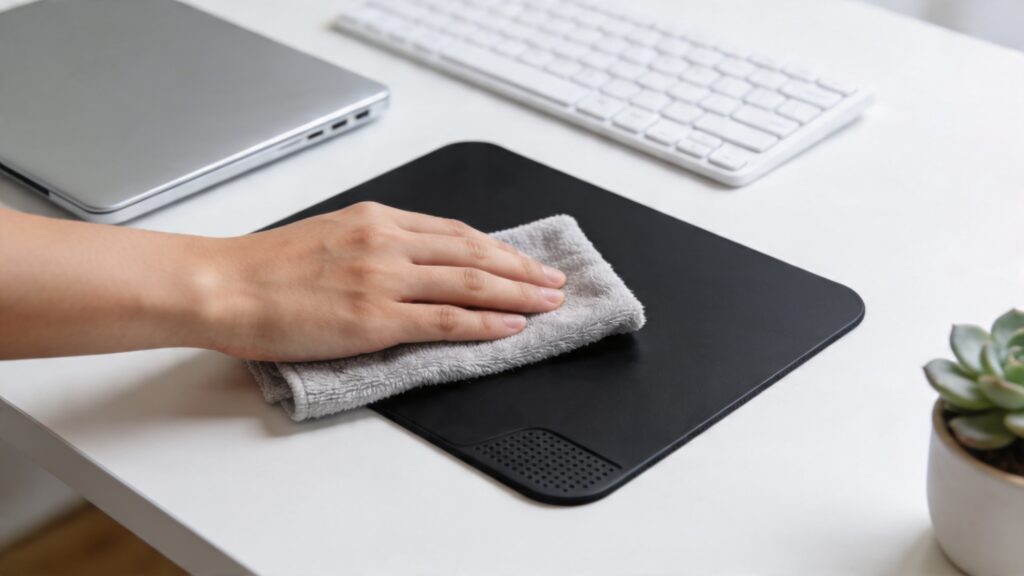
Common Mistakes When Cleaning Mouse Pads
Common mistakes when cleaning mouse pads can damage the surface and reduce lifespan.
Using Harsh Chemicals Damages Surface
Using harsh chemicals damages surface. Strong cleaners can weaken material and texture.
Damage reduces performance. Always use mild soap.
Scrubbing Too Hard Ruins Texture
Scrubbing too hard ruins texture. Aggressive cleaning wears down the surface.
Worn texture affects control. Clean gently.
Drying with Heat Causes Warping
Drying with heat causes warping. High temperature can deform the pad.
Warping reduces usability. Always air dry.
How to Dry a Mouse Pad Properly?
How to dry a mouse pad properly ensures it keeps its shape and performance.
Air Drying Prevents Material Damage
Air drying prevents material damage. Natural drying avoids heat-related issues.
Safe drying maintains quality. Best method for all pads.
Flat Surface Maintains Shape
Flat surface maintains shape. Laying the pad flat prevents bending.
Proper drying ensures consistency. Surface stays even.
Deep Cleaning vs Quick Cleaning
Deep cleaning vs quick cleaning depends on dirt level and usage frequency.
Deep Cleaning Removes Embedded Dirt
Deep cleaning removes embedded dirt. It restores original texture and performance.
Thorough cleaning improves accuracy. Ideal for dirty pads.
Quick Cleaning Maintains Daily Performance
Quick cleaning maintains daily performance. Simple wiping removes light dirt.
Fast cleaning keeps surface usable. Good for regular maintenance.
Cleaning Methods by Dirt Level
Cleaning methods by dirt level help you choose the right approach.
Light Dirt Requires Simple Wipe
Light dirt requires simple wipe. Use a damp cloth to remove dust.
Quick method saves time. Keeps surface clean.
Heavy Dirt Needs Full Wash
Heavy dirt needs full wash. Deep cleaning removes oils and buildup.
Full cleaning restores performance. Necessary for long-term use.
How Cleaning Affects Gaming Performance
How cleaning affects gaming performance is significant for accuracy and control.Clean setup improves gameplay. Check our gaming mouse guide.
Clean Surface Improves Accuracy
Clean surface improves accuracy. Sensors track movement more precisely.
Better accuracy improves gameplay. Essential for competitive use.
Reduced Friction Enhances Speed
Reduced friction enhances speed. Smooth surface allows faster movement.
Improved glide boosts reaction time. Performance becomes consistent.
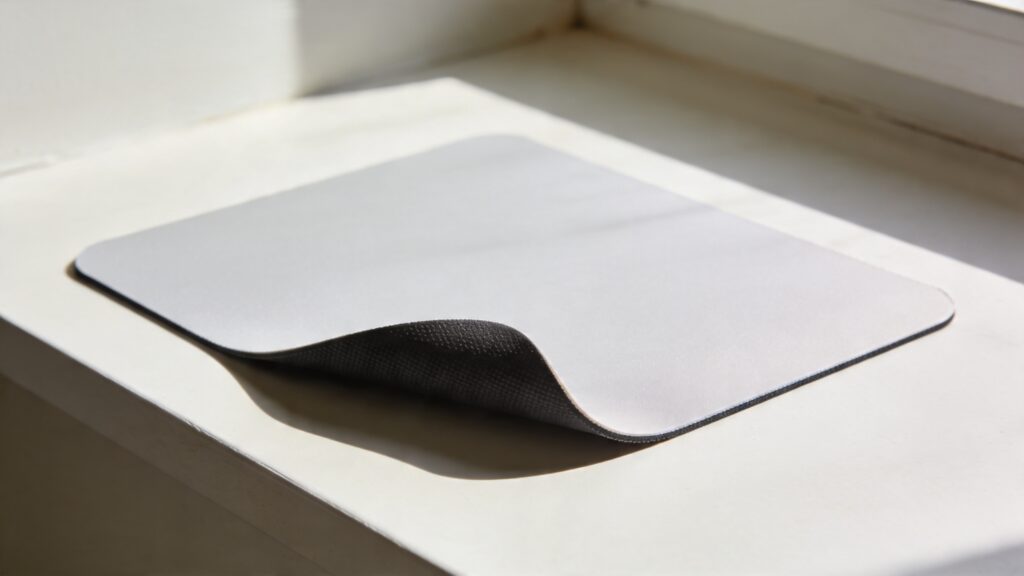
How to Maintain Mouse Pad Cleanliness
How to maintain mouse pad cleanliness ensures long-term performance and consistent tracking.
Regular Wiping Prevents Dirt Build-Up
Regular wiping prevents dirt build-up. Light cleaning removes dust before it accumulates.
Frequent maintenance keeps surface smooth. Performance stays consistent.
Clean Environment Reduces Contamination
Clean environment reduces contamination. Keeping your desk clean minimizes dirt transfer.
Less dirt improves longevity. Mouse pad stays usable longer.
Cleaning Different Mouse Pad Sizes
Cleaning different mouse pad sizes depends on surface area and handling convenience.
Large Pads Require More Water and Space
Large pads require more water and space. Bigger surface needs more effort to clean properly.
Thorough cleaning takes longer. Requires careful drying.
Small Pads Allow Faster Cleaning
Small pads allow faster cleaning. Compact size makes washing quick and easy.
Less effort improves convenience. Ideal for quick maintenance.
Cleaning Cloth vs Hard Mouse Pad
Cleaning cloth vs hard mouse pad depends on material type and dirt level.
Cloth Pads Need Washing Process
Cloth pads need washing process. Dirt gets embedded in the fabric and requires deep cleaning.
Washing restores texture. Improves accuracy and control.
Hard Pads Require Surface Cleaning
Hard pads require surface cleaning. Dirt stays on top and can be wiped easily.
Quick cleaning saves time. Maintains smooth glide.
Cleaning Comparison Table
Mouse pad cleaning comparison table shows the best method based on pad type.
| Pad Type | Cleaning Method | Difficulty | Dry Time |
|---|---|---|---|
| Cloth | Wash + scrub | Medium | Long |
| Hard | Wipe + dry | Easy | Short |
| RGB | Careful wipe only | Medium | Medium |
When to Replace a Mouse Pad Instead of Cleaning
When to replace a mouse pad instead of cleaning depends on wear and usability.
Worn Surface Reduces Performance
Worn surface reduces performance. Over time, texture fades and tracking becomes inconsistent.Choosing the right pad matters. Explore best mouse pad for gaming.
Reduced accuracy affects usage. Replacement becomes necessary.
Permanent Stains Affect Usability
Permanent stains affect usability. Deep damage cannot be fixed by cleaning.
Surface quality declines. New mouse pad improves experience.
Cleaning and Hygiene Benefits
Cleaning and hygiene benefits show that a clean mouse pad is not just about performance, but also health and comfort.
Clean Surface Reduces Bacteria Build-Up
Clean surface reduces bacteria build-up. Sweat, dust, and oils create a breeding ground for germs.
Regular cleaning improves hygiene. Surface becomes safer to use.
Better Hygiene Improves User Experience
Better hygiene improves user experience. A clean surface feels smoother and more comfortable.
Improved comfort enhances productivity. Overall usage becomes better.
How to Clean Mouse Pad – Expert Recommendations
How to clean mouse pad expert recommendations focus on safety, consistency, and long-term care.
Gentle Cleaning Preserves Material Quality
Gentle cleaning preserves material quality. Avoid aggressive scrubbing and harsh chemicals.
Soft cleaning maintains texture. Extends lifespan.
Regular Maintenance Ensures Long-Term Performance
Regular maintenance ensures long-term performance. Frequent cleaning prevents heavy buildup.
Consistent care improves durability. Performance stays optimal.
FAQs About Cleaning Mouse Pads
How often should I clean my mouse pad
You should clean your mouse pad every 1–2 weeks for heavy use, or once a month for light use.
Can I wash my mouse pad in washing machine
You can wash some cloth mouse pads in a washing machine, but hand washing is safer to avoid damage.
How long does mouse pad take to dry
A mouse pad usually takes 12–24 hours to air dry, depending on thickness and material.
What soap is safe for mouse pad
Mild soap or gentle detergent is safe for mouse pad. Avoid strong chemicals or bleach.
Can cleaning improve mouse performance
Yes, cleaning improves mouse performance. It restores smooth tracking and accuracy.
How to Clean Mouse Pad Based on Material, Usage, and Maintenance Needs
How to clean mouse pad based on material, usage, and maintenance needs ensures the best results. Cloth pads require deep cleaning, hard pads need simple wiping, and RGB pads require careful handling. Regular cleaning improves accuracy, comfort, and durability, making it essential for gaming, work, and everyday use.
see about computer mouse